How to Write Muse Video Prompts: Subject, Camera, Light and Sound
A practical way to write prompts for Muse Video: describe the subject and action, then the camera, the light and the sound, with example prompts you can copy.
A good Muse Video prompt describes one shot the way a camera operator and a sound recordist would: who or what is in frame, what it does, how the camera moves, what the light looks like, and what you hear. Put those five parts in that order, keep it to one shot, and you will get more usable clips from fewer renders. This post goes through each part and ends with prompts you can copy.
Start with the subject and the action
The subject is what the viewer should look at. The action is what it does during the clip. Be specific about both.
- Weak: "a dog"
- Better: "a wet black labrador shakes water off its coat on a wooden jetty"
Specific nouns and verbs give the model something to render. "Shakes water off its coat" describes motion that fits into five seconds. "Has a fun day at the lake" does not.
A few habits help:
- One main subject. Two or three people can work, but give one of them the action.
- One main action. If the subject walks, then sits, then waves, choose the one that matters.
- Describe people generically. "A woman in a yellow raincoat" works. Real people need their consent, and public figures are not allowed at all.
- Fit the action to the length. A 5-second clip has room for one movement. A 10-second clip can hold a slower action or a camera move that reveals something.
Then the place and the time
Add where the shot takes place and when: "on a wooden jetty on a misty lake, early morning". Time of day does a lot of work, because it sets the colour and direction of the light without you having to describe it.
Tell the camera what to do
If you say nothing, the model chooses the camera for you. Naming it gives you control. Useful terms:
- Static shot or locked-off camera: the frame does not move, only the subject does.
- Slow push-in: the camera moves gently towards the subject. Good for a reveal or a product.
- Pull back: the camera moves away and shows more of the place.
- Tracking shot: the camera moves alongside a walking or running subject.
- Orbit: the camera circles the subject. Works well for objects.
- Handheld: slight shake, a documentary feel.
- Low angle or high angle: below or above the subject.
- Close-up, medium shot, wide shot: how much of the subject fills the frame.
Use one camera move per clip. "Push in, then orbit, then crane up" usually comes out as a confused mix of all three.
Describe the light
Light sets the mood more than any adjective. Instead of "a moody scene", say what is lighting it:
- "warm low sun from the left, long shadows"
- "overcast daylight, soft and even"
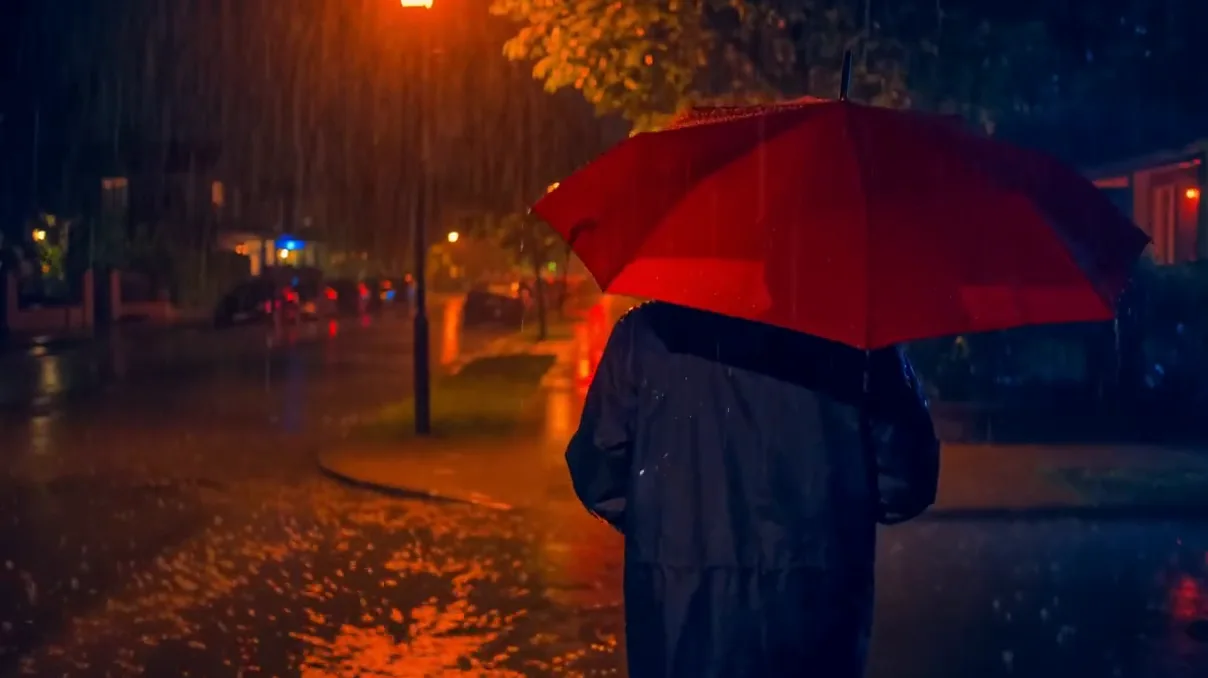
- "neon signs reflected in wet pavement at night"
- "a single desk lamp in a dark room"
- "golden hour backlight through tall grass"
Naming a colour palette helps too: "teal and orange", "muted greens and greys", "black and white".
Ask for the sound
Muse Video generates sound for the scene, so you can steer it. Name two or three sounds that belong in the shot:
- "rain on a tin roof and distant thunder"
- "crackling fire and a kettle starting to whistle"
- "city traffic, a bus braking, footsteps on pavement"
- "waves on pebbles and gulls overhead"
Keep the sound consistent with the picture. If the prompt says "a quiet library" and asks for "crowd cheering", one of them will lose. The audio is ambience and effects; the model does not produce dialogue or vocals, so leave those out.
Example prompts
Each of these is a single shot and fits a 5 or 10 second clip.
Nature, 16:9
A red fox trots across a snowy field at dawn. Low tracking shot beside it.
Soft pink light on the snow, breath visible in the cold air.
Sound: crunching snow and a light wind.
Product, 1:1
A glass bottle of olive oil on a stone kitchen counter, slow orbit around it.
Morning sun through a window, warm highlights on the glass.
Sound: quiet kitchen ambience, a bird outside.
City, 9:16
A cyclist in a green jacket rides through a narrow street at night.
Handheld tracking shot from behind. Neon signs reflected in wet pavement.
Sound: tyres on wet road, distant traffic, a bicycle bell.
Interior, 4:3
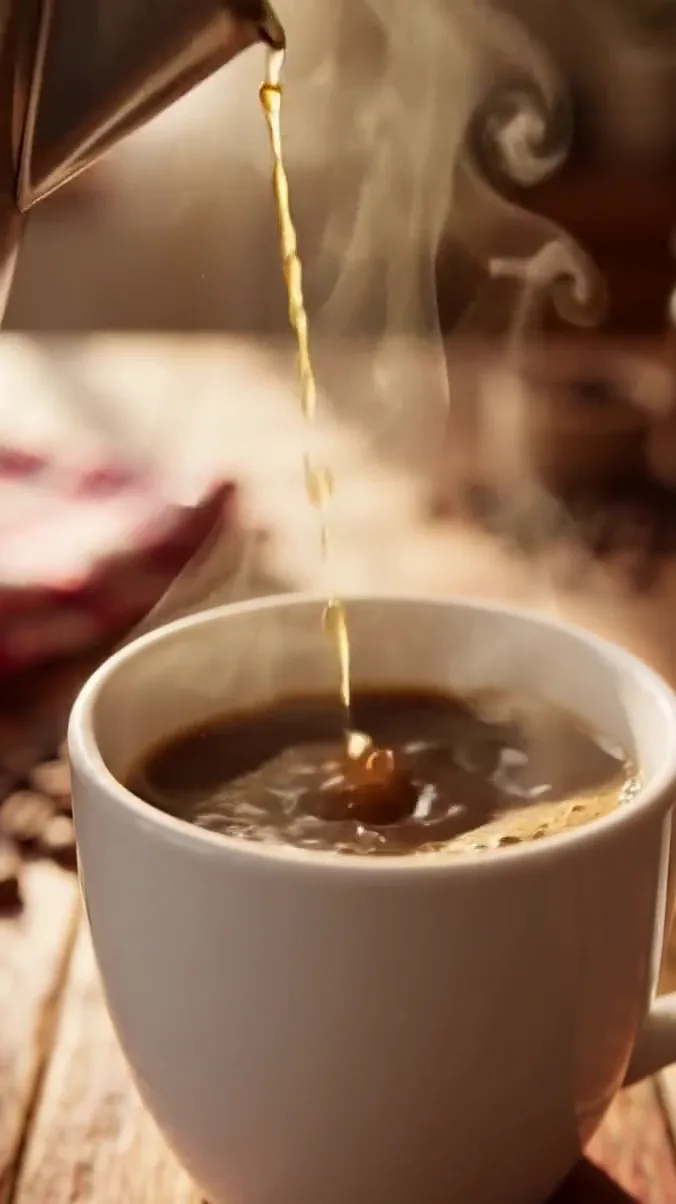
Steam rises from a cup of coffee on a wooden table by a rainy window.
Static close-up, shallow depth of field. Grey daylight, warm lamp in the background.
Sound: rain on the glass and a clock ticking.
Landscape, 16:9, 10 seconds
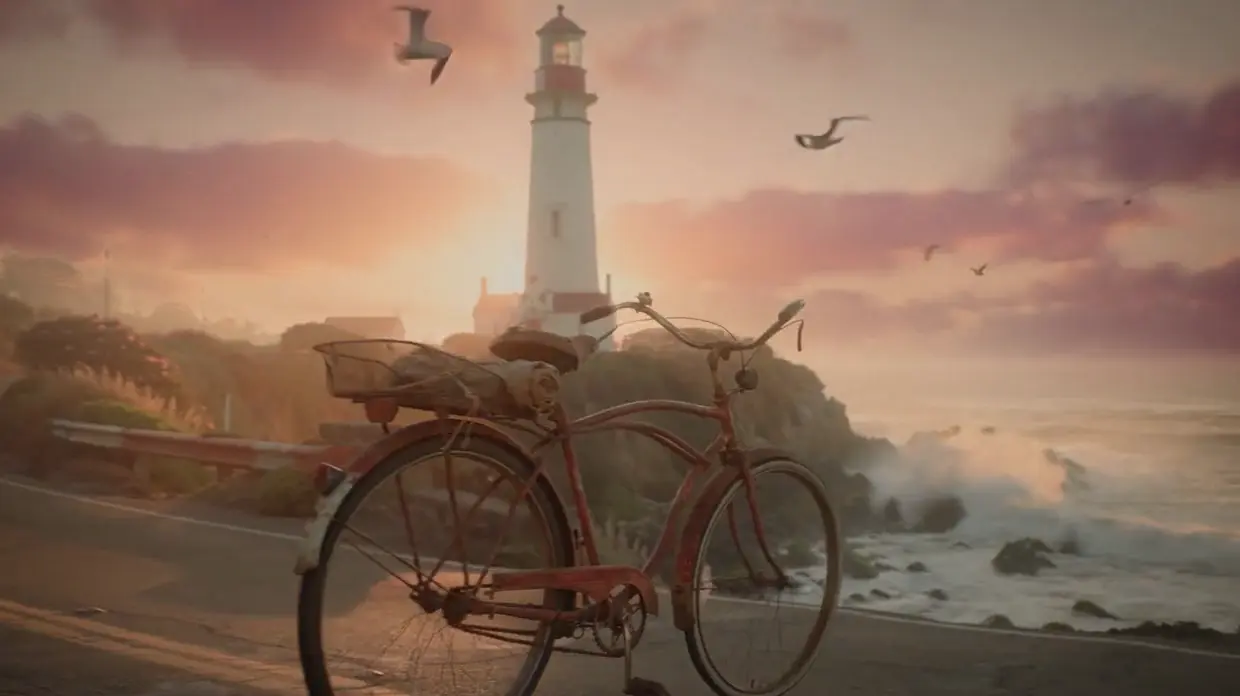
Slow push-in towards a lighthouse on a cliff as waves break below.
Overcast evening, the lighthouse beam turning on.
Sound: heavy surf and wind.
Fixing a clip that is not right
Change one thing at a time:
- Subject drifts or changes. Make the description more concrete, or add a reference image.
- Too much happening. Remove an action or a camera move.
- Motion too fast. Add "slow" to the action or the camera, or use 10 seconds.
- Wrong mood. Rewrite the light, not the adjectives.
- Sound does not fit. Name the sounds you want and remove anything that contradicts the picture.
Start with 5-second tests. They cost half as much, and once a prompt works it usually works at 10 seconds too.
What prompts cannot ask for
Prompts are screened before anything is generated, and a refused prompt costs nothing. Do not ask for real people without their consent, any public figure, sexual content, gore, hate, anything involving minors, deceptive videos, or someone else's logos, characters or artwork. The Acceptable Use Policy has the details.
Ready to try? Open the generator. If you have a photo to start from, read image to video tips next.
Try it in the generator
Write a prompt, add a reference image if you like, and see the credit cost before you render.